Before the first photo
- Tidy and clear: nothing on the counters, beds made, no towels or personal items in sight.
- Open curtains and blinds and turn on every light, even in daytime.
- Clean the phone lens. It sounds obvious and it is the number one cause of hazy photos.
- Pick the time: sunny but without direct sun through the window. Mid-morning or mid-afternoon usually works.
The ten rules
Always landscape. Portrait photos crop badly on listing sites and in reels.
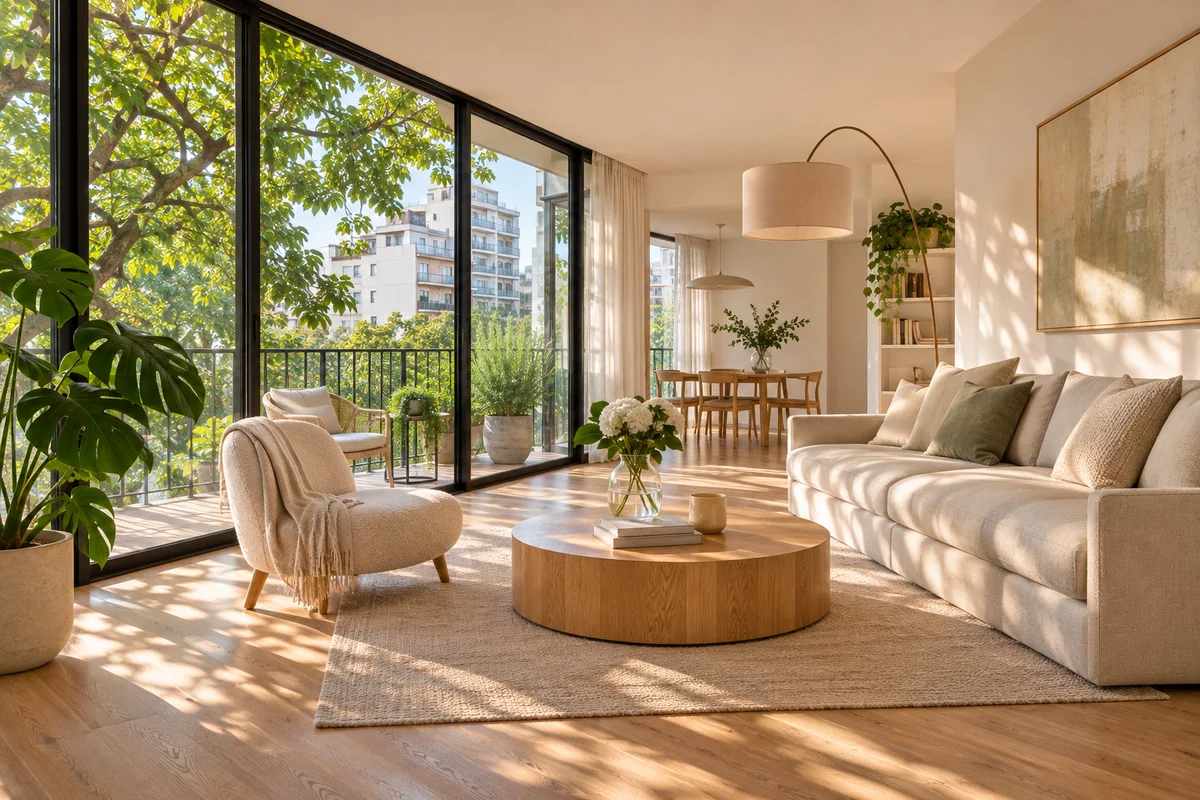
From a corner, to show two walls and as much space as possible.
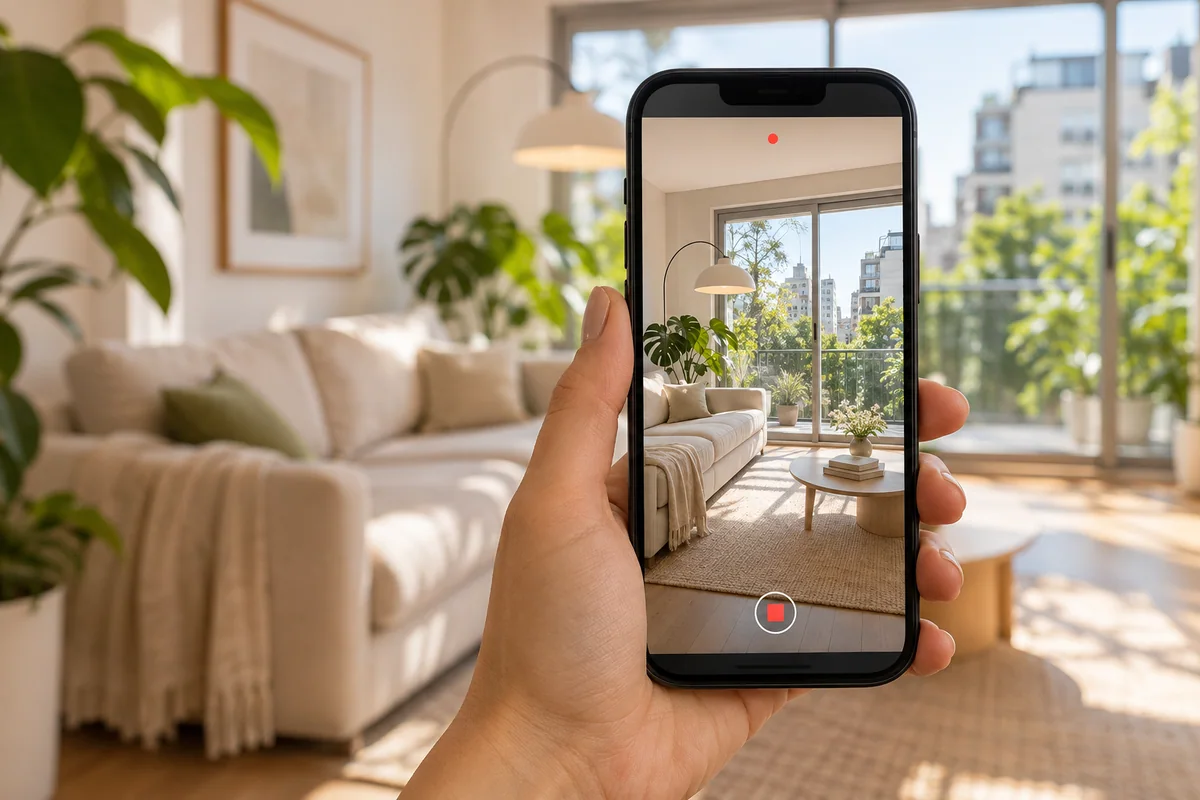
Phone at chest height, not eye level: rooms look better proportioned.
Phone level, not tilted up or down. Walls should come out parallel. Turn on the camera grid to help.
No extreme wide angle: the 0.5× lens distorts and exaggerates. Use the main lens and step back as far as you can.
Tap the screen on a mid-tone wall to set exposure, not on the window or the darkest area.
No flash. It flattens everything and leaves reflections.
One photo per room from the best angle, and another from the opposite angle if the room is large.
Details that sell (a new kitchen, wood floors, the view) in a separate, well-framed photo.
Take more photos than you need and choose later. Discarding is easier than going back.
Blown-out windows
The most common problem: the interior looks fine and the window turns white, or the other way around. The phone HDR mode helps (most phones use it automatically). If it still blows out, expose for the wall and leave the window for editing.
Exterior and shared spaces
The front, with the sun behind you and no cars blocking the entrance. Balconies and terraces, showing what you see from there. The building amenities, only if they are well kept.
After taking them
A gentle light and color correction plus straightening lines is enough to make photos look professional. No more: heavy editing shows and breeds distrust.
If you already have the photos, Resaltalo enhances them automatically (light, color and sharpness, without changing the property) and turns them into reels, flyers and carousels with your brand. Paste your listing or upload the photos.
See examples: enhanced photos